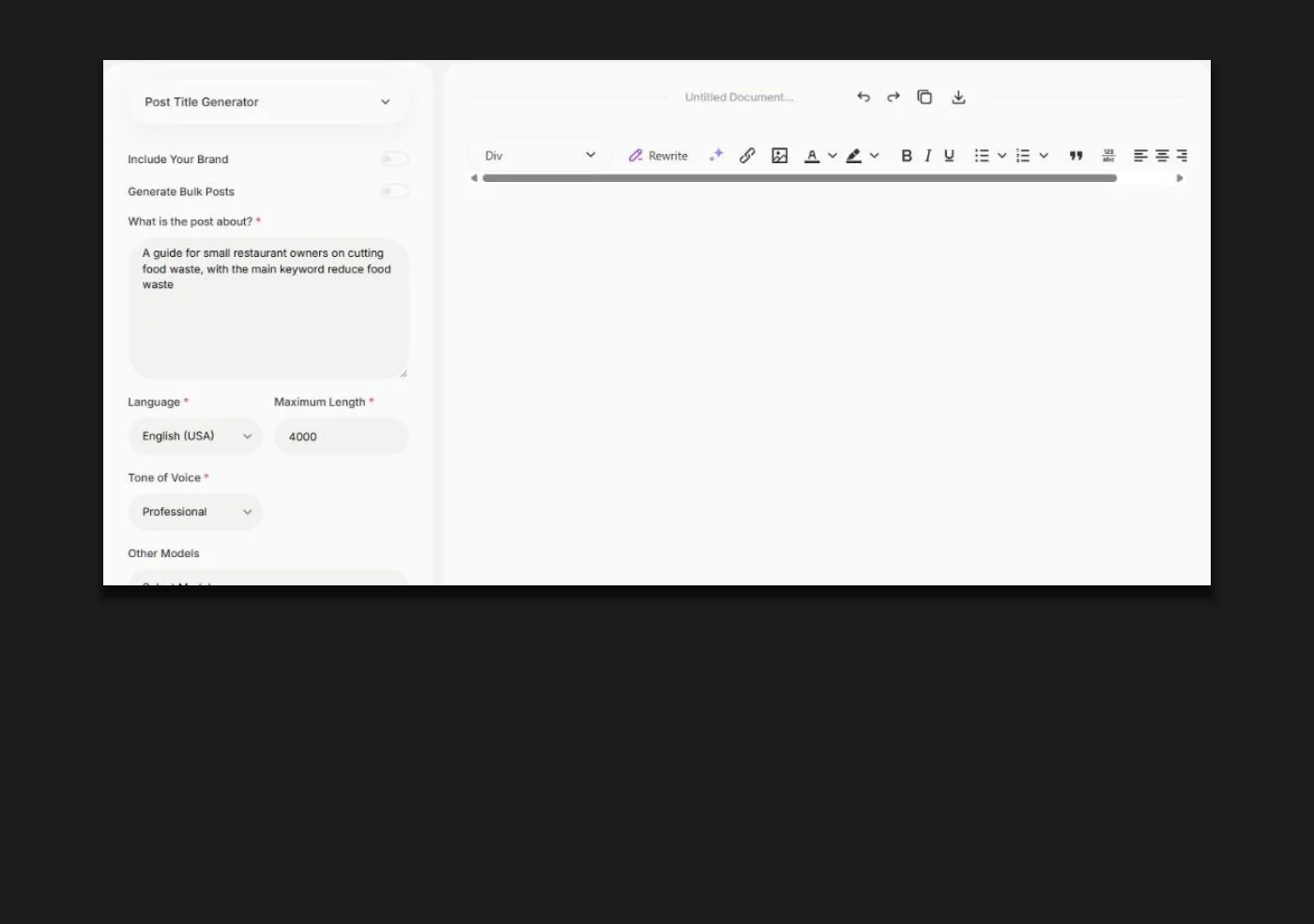
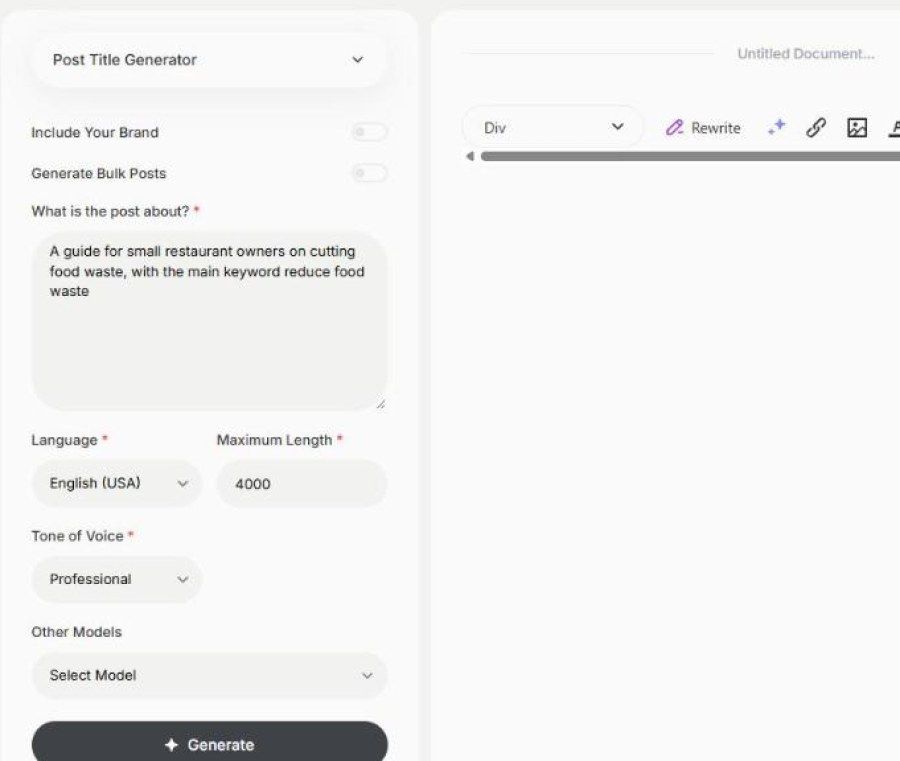
Post Title Generator
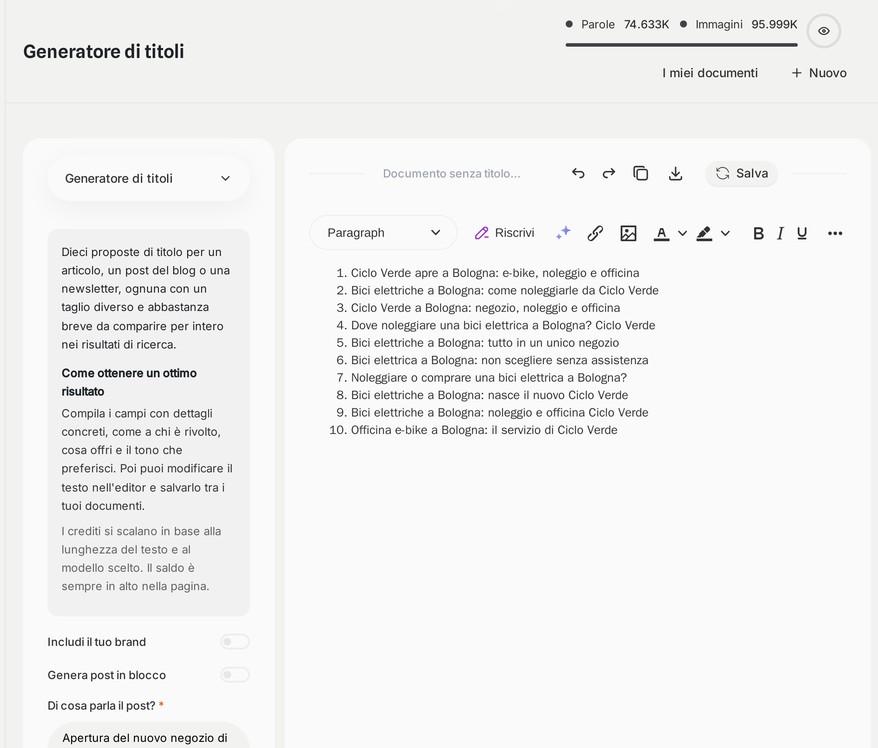
Get ten title options for a blog post, article or newsletter, each with a different angle and short enough for search results.
Text Summarizer
Turn a long text into a one-line TL;DR, the key points and a short summary, with any action items listed separately.
Product Description
Write a product page description that turns features into clear reasons to buy.
SEO Article
Write a complete, structured article from a title and the keywords you want to rank for, ready for you to edit and fact-check.
Product Name Generator
Get a shortlist of original product names, each with the idea behind it, plus the checks to run before you choose.
Testimonial from Customer Feedback
Turn a real customer's feedback into a polished testimonial draft to send back to them for approval.
PAS Copywriting (Problem-Agitate-Solution)
Turn a product or offer into persuasive copy with the classic Problem-Agitate-Solution framework.
Blog Section
Write one section of an article, heading and body, when you want to build a post one part at a time.
Blog Post Ideas
Get a list of blog post ideas for your business, each with an angle, the reader it serves and a working title.
Blog Intro
Write an opening that tells readers why the post matters to them and makes them keep reading.
Blog Conclusion
Close a post with a short recap of the main takeaway and a clear next step for the reader.
Facebook & Instagram Ads
Write Meta ad copy field by field, with primary text, headline and description options and a call-to-action button, ready for Ads Manager.
YouTube Video Description
Write a YouTube description that hooks viewers in the first lines and helps the video get found in search.
YouTube Video Titles
Get 10 clear, searchable title options worth clicking, without misleading your viewers.
YouTube Video Tags
Generate relevant tags, including variations and common misspellings, within YouTube's 500-character limit.
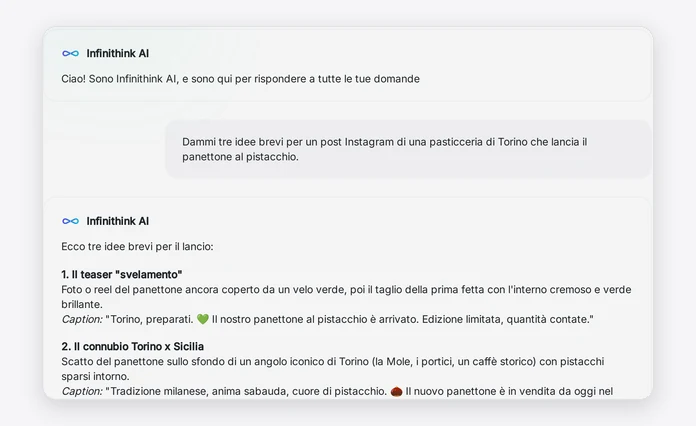
Instagram Captions
Write captions with a strong first line, a clear call to action and up to 5 relevant hashtags.
Instagram Hashtags
Get ready-to-use sets of 5 relevant hashtags, in line with Instagram's current limit per post.
Social Media Post Tweet
Write a short post for X or Threads that gets to the point and invites replies.
Business Post for Social Media
Share one business update and get it adapted for Facebook, Instagram, LinkedIn and X, each in the right style.
Facebook Headlines
Get short Facebook headlines for posts and ads, each with a different hook, clear and never clickbait.
Google Ads Headlines
Write 15 headlines of up to 30 characters for responsive search ads, varied enough for Google to combine.
Google Ads Descriptions
Write descriptions of up to 90 characters and short callouts for your responsive search ads.
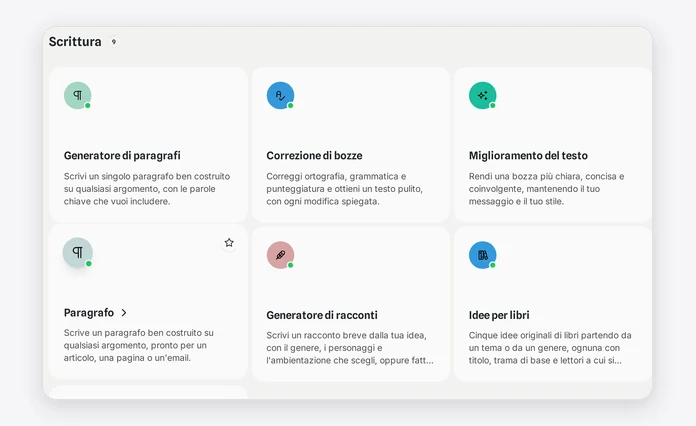
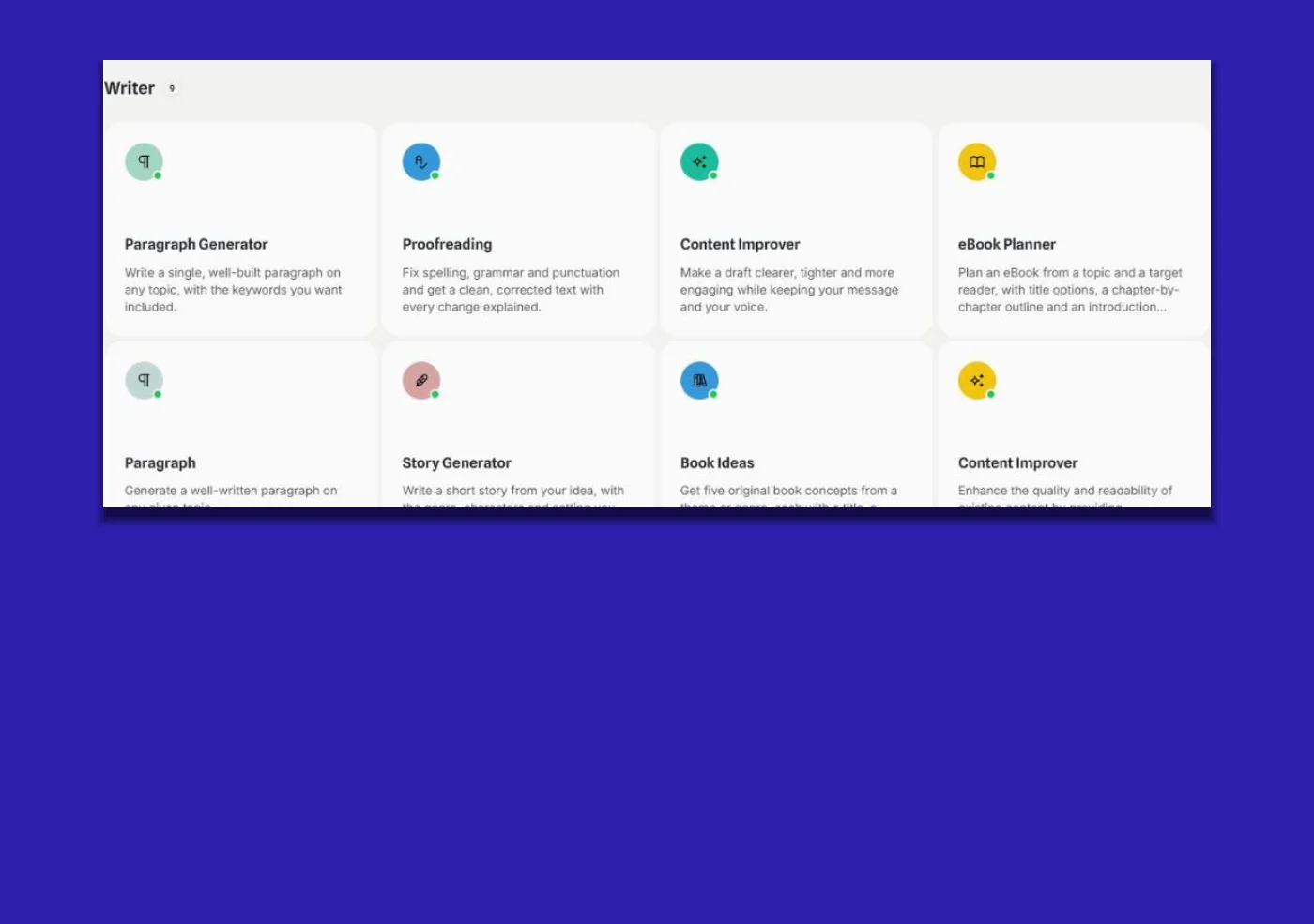
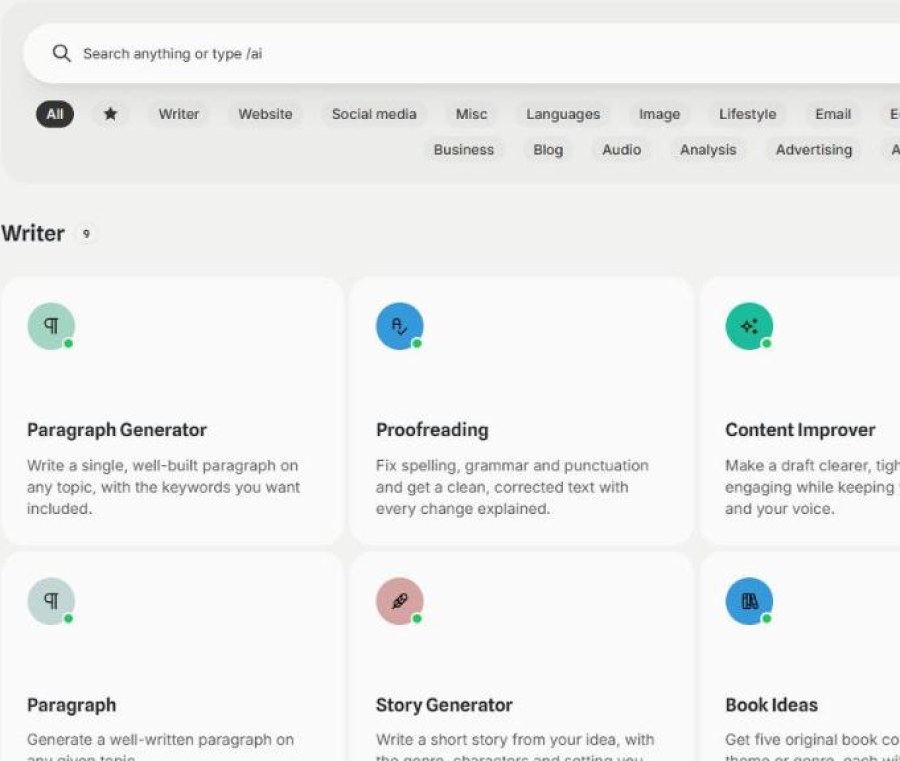
Paragraph Generator
Write a single, well-built paragraph on any topic, with the keywords you want included.
Pros and Cons
Weigh a decision with a balanced list of pros and cons, the questions to ask and a clear bottom line.
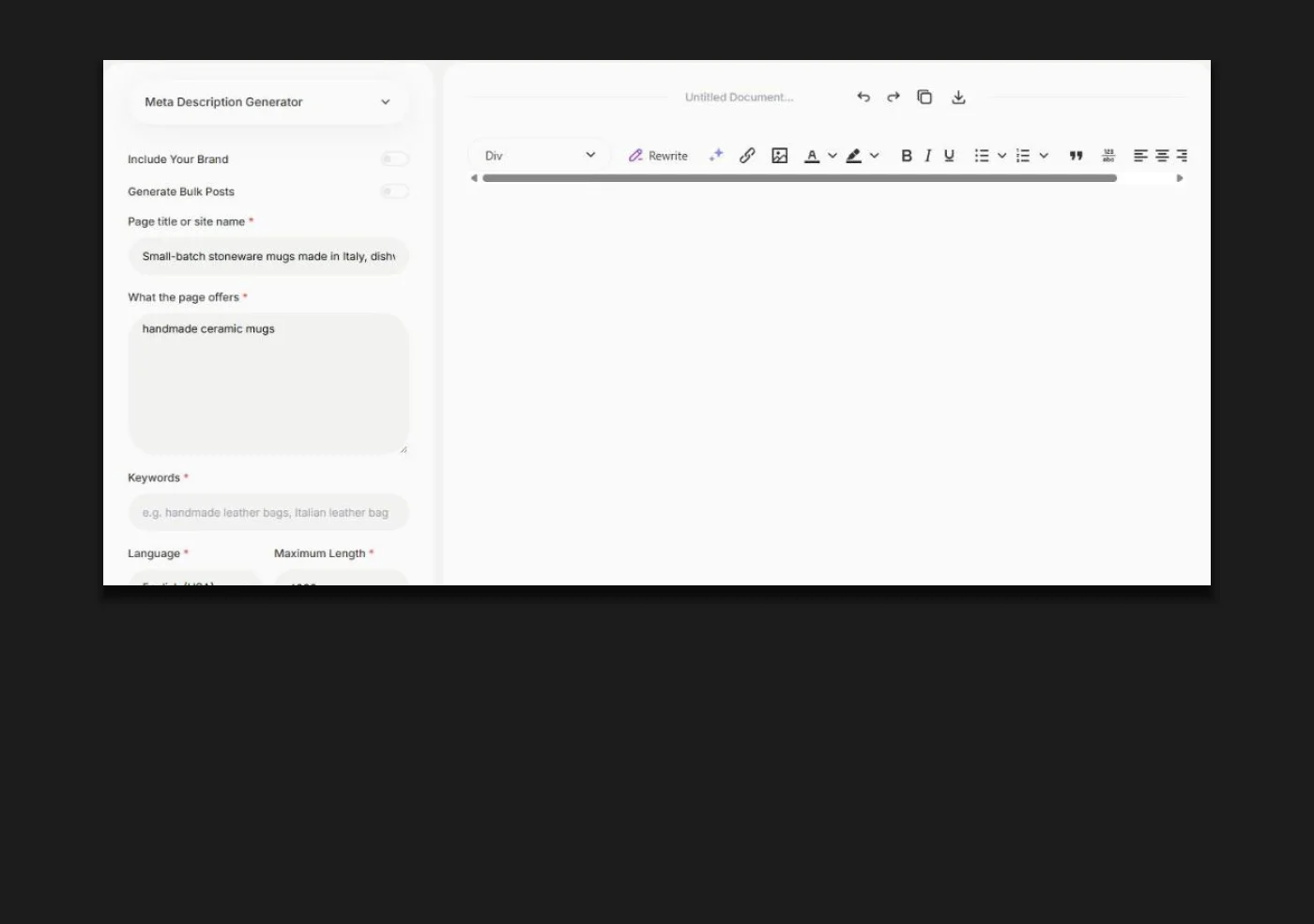
Meta Description Generator
Write search-friendly meta descriptions of the right length that make people want to click.
FAQ Generator
Generate the questions your customers really ask, with clear answers based on your own information.
Email Generator
Write any email from a few notes, with a clear subject line, a well-organized body and one clear next step.
Email Reply
Write a clear, professional reply to an email you received, covering every question and the points you want to make.
Newsletter
Write a complete email newsletter with subject lines, preview text, easy-to-read sections and one clear call to action.
Grammar Correction
Fix grammar, spelling and punctuation in your text while keeping your words and your style.
TL;DR Summarization
Turn a long text into a short TL;DR you can read in a few seconds.
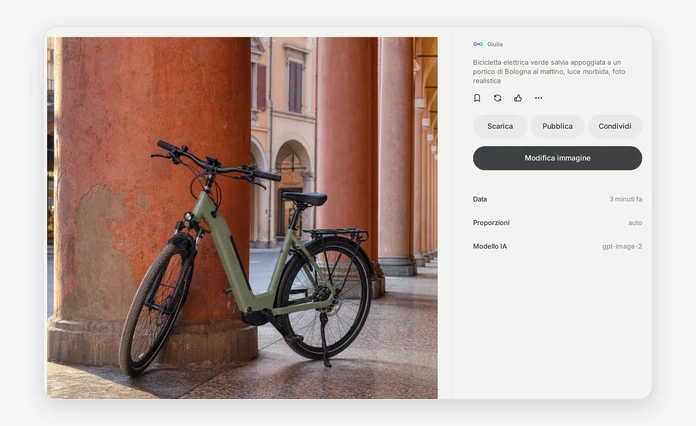
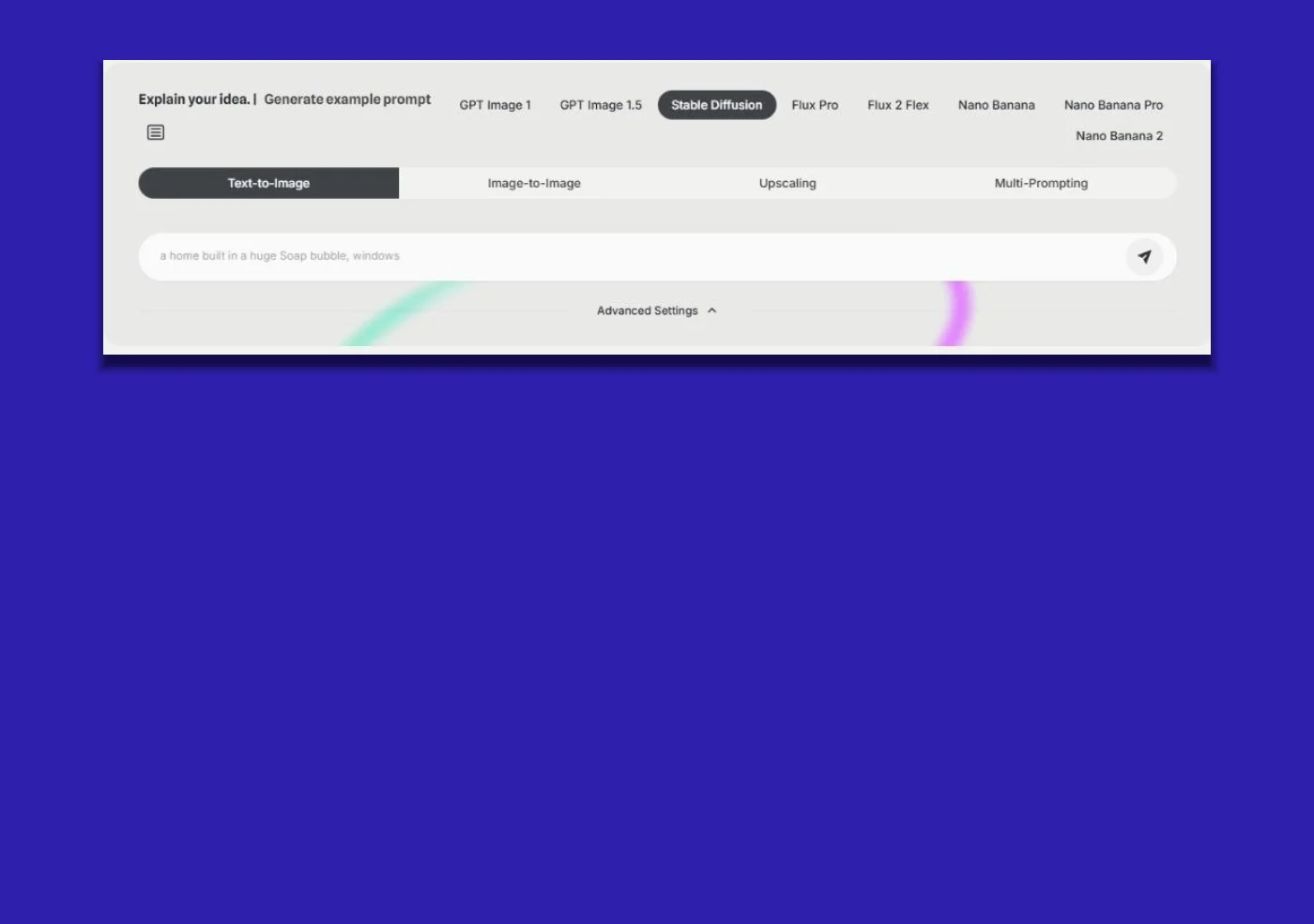
Image Generator
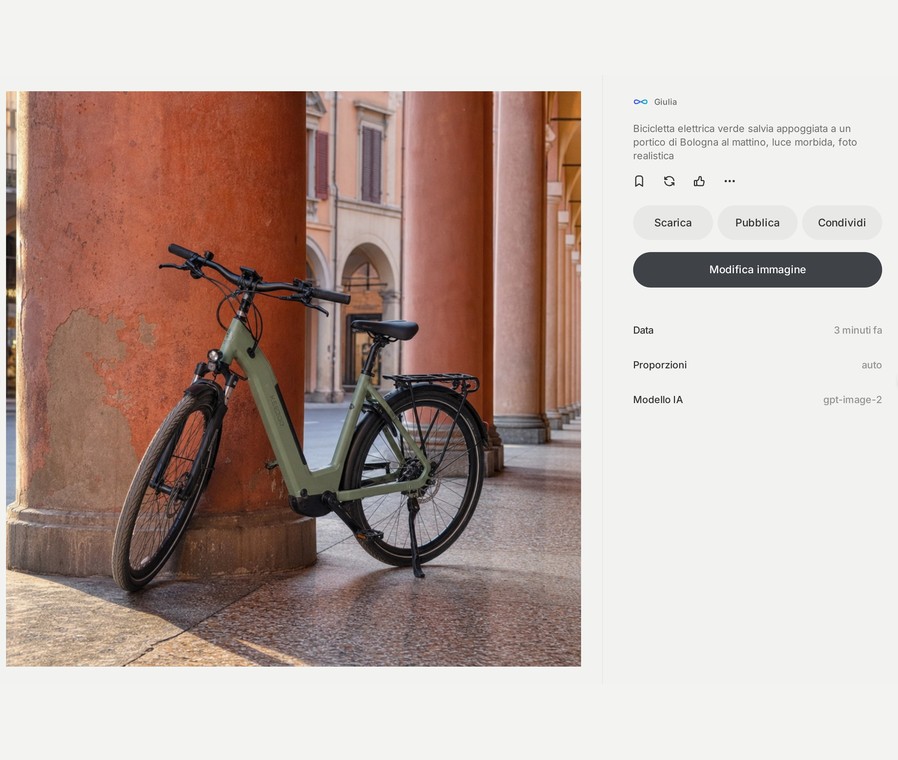
Describe what you want to see and get original images in seconds, in the style and format you choose.
Speech to Text
Transcribe an audio or video file into editable text. Accepts MP3, MP4, MPEG, MPGA, M4A, WAV and WebM files up to 25 MB.
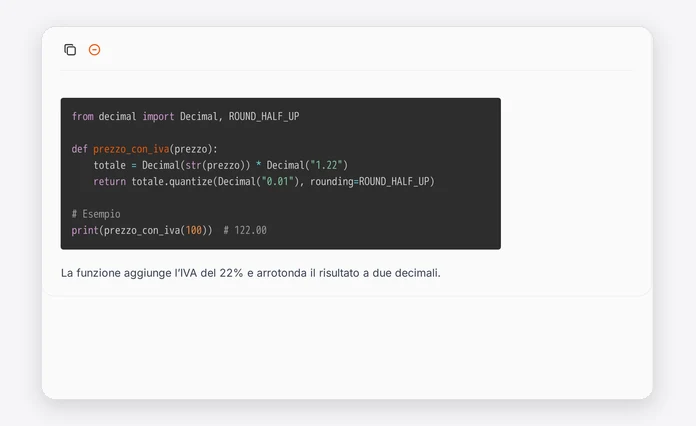
Code Generator
Describe what the code should do and get working, commented code in the language you need.
Article Wizard
Go from topic to finished article in guided steps, with keywords, title, outline and full draft, and you approve every step.
Image Analyzer
Upload an image and ask questions about it, to get a description, extract the text it contains, check details or get feedback on a design.
File Analyzer
Upload a PDF, Word or CSV file and ask questions about it, get a summary or pull out the figures you need.
Image Chat
Describe the image you want in a chat and get it generated, then ask for changes in your next message.
AI Rewriter
Rewrite an existing text in a new tone or style, in the language you choose, keeping its meaning and key facts.
Web Page Chat
Enter the address of a web page and ask questions about its content, get a summary or pull out key information.
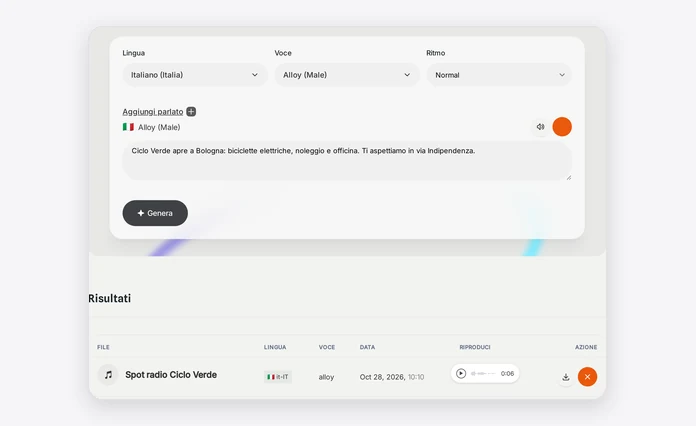
Text to Speech
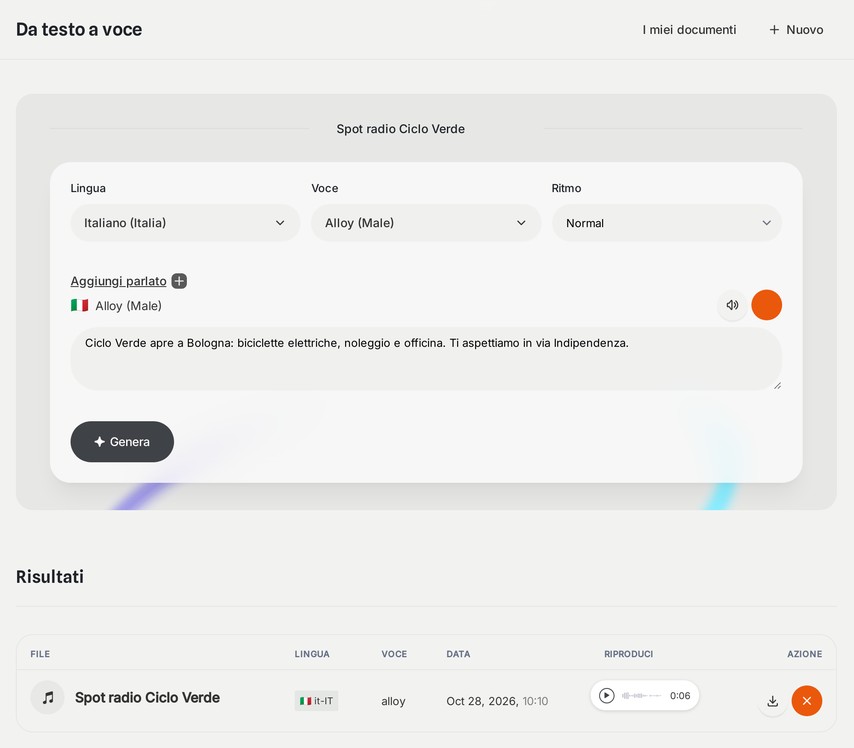
Turn any text into natural-sounding speech, choosing voice, language and pace.
YouTube Video to Content
Paste a YouTube link and turn the video into a blog post, a summary, key points or a pros and cons list.
Blog Post from RSS Feed
Pick a post from any RSS feed and get an original blog article on the same topic, ready to edit.
Voice Isolator
Remove background noise, music and echo from a recording and get a clean voice track.
Cover Letter
Write a tailored cover letter that connects your experience to the role and the company.
Math Problem Solver
Get step-by-step solutions to math problems, with the reasoning explained so you can learn the method.
Bullet Point Answer
Get a clear answer to any question as short bullet points, easy to read and to share.
Academic Essay
Draft a structured academic essay with a clear thesis, evidence-based arguments and a conclusion.
Thesis Statement Generator
Get strong, arguable thesis statements for your essay or paper, each with a short explanation.
Proofreading
Fix spelling, grammar and punctuation and get a clean, corrected text with every change explained.
Rephrase
Rewrite a sentence or a paragraph so it reads more clearly, with the same meaning.
Content Improver
Make a draft clearer, tighter and more engaging while keeping your message and your voice.
Job Description
Write a clear, inclusive job posting with responsibilities, requirements, pay and how to apply.
Cover Letter
Write a tailored cover letter that links your experience to the role and fits on one page.
Resume Builder
Turn your notes into a clear, ATS-friendly resume (CV) with summary, experience, education and skills.
LinkedIn About Section
Write the About section of your LinkedIn profile in the first person, with a strong opening and a clear invitation to connect.
Startup Ideas
Get startup ideas built around your skills and market, each with target customer, business model and a first test to run.
PAS Copywriting (Problem-Agitate-Solution)
Write persuasive copy with the Problem-Agitate-Solution formula, for ads, emails and landing pages.
AIDA Copywriting (Attention-Interest-Desire-Action)
Write persuasive copy with the Attention-Interest-Desire-Action formula, from rough notes to a ready-to-use text.
Business Strategy Plan
Turn a business goal into a practical plan with priorities, actions, owners, a 90-day roadmap and KPIs.
Professional Bio
Write a professional bio in three lengths, for your website, speaker profile, press kit or proposals.
Career Advice
Get practical career guidance for your situation, with realistic options, skills to build and a 90-day plan.
Cost-Benefit Analysis
Weigh the costs and benefits of a business decision, with clear assumptions, ROI, payback period and a recommendation.
Brainstorming
Generate a wide range of ideas for any challenge, grouped by approach, with the three most promising picked out.
LinkedIn Post
Write a LinkedIn post with a strong hook, an easy-to-read structure and a natural invitation to comment.
Sales Pitch
Write a sales pitch in three formats (a one-liner, a 30-second elevator pitch and a full pitch for calls and meetings).
Social Media Reply
Reply to a comment or direct message on social media in your brand's voice, whether it is praise, a question or a complaint.
Apology Email
Write a sincere apology email for a mistake, a delay or a service problem, with a concrete remedy and no excuses.
Support Ticket Reply
Answer a customer support ticket point by point, with clear steps and the next action, ready to paste into your helpdesk.
Documentation Article
Write a help center or product documentation article with prerequisites, numbered steps and troubleshooting, from your notes.
Song Lyrics
Write original lyrics with verses, chorus and bridge in the genre and mood you choose.
Jokes & One-Liners
Write clean, original jokes and one-liners on any topic, for posts, speeches or presentations.
Event Planner
Turn your idea into a complete event plan with timeline, schedule, checklist and budget.
Travel Planner
Get a day-by-day itinerary built around your interests, pace and budget, with practical tips.
Gift Ideas
Find thoughtful gift ideas matched to the person, the occasion and your budget.
Product Features and Benefits
Turn a list of features and specs into clear, benefit-led bullet points for product pages and catalogs.
Product Name Generator
Get a shortlist of original product names, each with the idea behind it, plus the checks to run before you choose.
Why Choose This Product
Write a persuasive section on why shoppers should choose your product, with distinct reasons based on your real strengths.
Product Review Article
Write an honest review article from your own hands-on notes, for a blog or buying guide, with pros, cons and a verdict.
Review Response
Reply to customer reviews, positive or negative, with a professional answer that protects your reputation.
Amazon Product Listing
Write a complete Amazon listing (title, item highlights, bullet points, description and search terms) following Amazon's listing guidelines.
Sitemap
Plan the pages of a new or redesigned website, grouped by section, with a suggested address for each page.
Tagline
Get ten short taglines for a brand or website, each built on a different benefit or angle.
UX Improvement Ideas
Get practical, prioritized ideas to fix the usability problems of a website or app, with the reason and the effort for each.
Website Design Brief
Turn your preferences into a design direction for a website, with style, color palette, fonts, layout and imagery.
Services Page
Write the copy for a service page that explains what you do, for whom, how it works and why to choose you.
Features Page
Turn a product feature into page copy that shows the benefit, how it works and who it helps.
Keyword Generator
Get keyword ideas for a topic, grouped by search intent, to plan pages and articles. Check volumes in your SEO tool.
Keyword Extractor
Pull the main keywords and topics out of a text, to see what a page is really about before you optimize it.
SEO Content Review
Check a page or article against your target keywords and get a prioritized list of fixes, plus title tag and meta description options.
Testimonial Editor
Turn real feedback from a customer into a clear, publishable testimonial, without adding anything they did not say.
Landing Page Copy
Write a complete landing page, from headline to final call to action, built around the benefits of your product or offer.
Website Page Copy
Write or rewrite the copy for any website page, such as Home, About or Contact, from your notes or the current text.
FAQ
Write the frequently asked questions for a page of your website, with clear and short answers.
Call to Action
Get button labels and short call-to-action lines for a page, email or ad, matched to the action you want people to take.
Keyword Rewriter
Rewrite a text so it includes your target keywords naturally, keeping its meaning and readability.
Blog Post Ideas
Get ten blog post ideas on a topic, each with a working title, the angle and the reader it targets.
Blog Intro
Write an opening paragraph that makes readers want to read the rest of your blog post.
Blog Outline
Plan the structure of a post, with H2 and H3 headings and the key points of each section, ready for a writer or for Blog Article.
Blog Article
Write a full blog post that follows your outline section by section, so the draft keeps the structure you planned.
Instagram & Facebook Reels Script
Plan a Reel second by second, with a 3-second hook, on-screen text, voiceover and caption.
IG Captions
Write short Instagram captions from a description of your photo, with a few relevant hashtags.
TikTok Video Script
Write a TikTok script with a scroll-stopping hook, spoken lines and on-screen text. Works for YouTube Shorts too.
TikTok Captions
Write TikTok captions with searchable keywords, a reason to comment and 3 to 5 hashtags.
TikTok Video Script
Write a quick TikTok script from a topic, with an opening hook and the spoken lines.
Facebook Posts
Write Facebook Page posts that start conversations, with one clear message and a call to action.
Facebook Video Script
Write a Facebook video script with a strong opening, the key points and a closing call to action.
X Posts (Tweets)
Write short, sharp posts for X that fit in 280 characters and invite replies.
X Threads
Turn an idea into a numbered X thread with a strong opening post and a clear ending.
Youtube Video to Blog Post
Turn the transcript or notes of a YouTube video into an original blog post.
Video Ideas
Brainstorm video ideas for YouTube, Reels and TikTok, each with a hook, a format and a working title.
Video Description
Write a short description for a video on any platform, clear about what viewers will get.
X Post Ideas
Brainstorm post ideas for X across different angles, each with an opening line ready to use.
Hooks for Posts and Videos
Write opening lines for posts and videos that make people stop scrolling, without clickbait.
Push & SMS Notifications
Write push, in-app and SMS messages that get read and tapped, within each channel's limits.
Ad Campaign Ideas
Get campaign concepts with a big idea, key message, channels and sample headlines to share with your team.
FB Ad
Write a quick Facebook ad from your notes, with text, headline and call to action.
Google Ad
Write a quick Google ad from your notes, with headlines and descriptions to adapt.
Video & Audio Ad Scripts
Write radio, podcast, TV and social video ad scripts timed to the length you need.
TV Ads
Get TV commercial ideas with a concept, the scenes and a voiceover script.
YouTube Ad Scripts
Write YouTube video ad scripts with a 5-second hook, plus 15-second and 6-second bumper versions.
Translate
Translate a text between languages while keeping meaning, tone, formatting and brand names, with a short note on anything ambiguous.
Grammar Check
Check the grammar of a text and get suggestions to improve it, with the reason for each change.
Synonyms
Get synonyms and near-synonyms for a word or phrase, grouped by meaning and register, with a note on when to use each one.
Learn New Words
Learn new words on a topic, with meaning, an example sentence and when to use each one.
Bug Fixer
Paste faulty code and its error message to find the cause and get a corrected version.
Code Explainer
Understand any piece of code with a clear, step-by-step explanation adapted to your level.
Coding Tutor
Learn a programming concept with a clear explanation, worked examples and a short exercise.
Changelog Writer
Turn a list of changes into a clean, well-organized changelog entry for your release.
Welcome Email
Write a warm welcome email for new subscribers or customers, with subject lines and one clear first step.
Invitation Email
Write an invitation email for an event, meeting or webinar, with all the key details and a clear way to reply.
Follow-up Email
Write a polite follow-up email that recalls the context and asks for one clear next step.
Email Reply
Write a clear, professional reply to an email you received, covering every question and the points you want to make.
Newsletter
Write a complete email newsletter with subject lines, preview text, easy-to-read sections and one clear call to action.
Press Release
Write a press release in the format journalists expect, with headline, lead, details, a draft quote and boilerplate.
Cold Email
Write a short, personal cold email that earns a reply, plus a follow-up to send if there is no answer.
eBook Planner
Plan an eBook from a topic and a target reader, with title options, a chapter-by-chapter outline and an introduction ready to edit.
Paragraph
Write one well-built paragraph on any topic, ready to use in an article, a page or an email.
Story Generator
Write a short story from your idea, with the genre, characters and setting you choose, or get story premises to start from.
Book Ideas
Get five original book concepts from a theme or genre, each with a title, a premise and the readers it is for.
Content Improver
Improve an existing text so it is clearer and easier to read, keeping your message.
Explain It Simply
Get any complex topic explained in simple words, with everyday examples a 10-year-old would understand.
News Article
Turn your facts into a professional news article with a strong headline and lead.
Generate From RSS Feed
Write new content from the posts of an RSS feed you paste in, such as a summary or a newsletter section.
Pros and Cons
Get a balanced list of pros and cons for a choice, to decide with a clearer view.
Real Estate Listing
Write a compelling property listing from the key details, ready for property portals, your website and social media.
Prompt Generator
Get detailed, ready-to-use prompts for AI chat and image tools, built from a simple goal.
Video to Video
Upload a video and transform its style or content with AI, keeping the original motion.
Realtime Voice Chat
Talk with the AI out loud and hear the answers in real time.
AMA Post
Write an Ask Me Anything post that presents you and invites your audience to ask questions.
Newsletter
Write a short newsletter from a subject line, the main content and the action you want readers to take.
Storytelling
Tell a short story with your theme and characters, for a post, a speech or a brand page.
Trending Post
Write a post that joins a current trend with your own angle, without losing your brand voice.
Strategy
Turn a goal into a strategy, with the challenges to face and the concrete steps to take.
Viral Ideas
Get content ideas with a strong chance of being shared, built for your audience and your platform.
Ad Script
Write a short ad script for video or audio, built around your product and one key message.
Marketing Plan
Draft a marketing plan for your business, with audience, channels, actions and how to measure results.
Video Script
Write a video script for a promotional, educational or storytelling video, with scenes and spoken lines.